Using entire.io to capture, search, and review the context

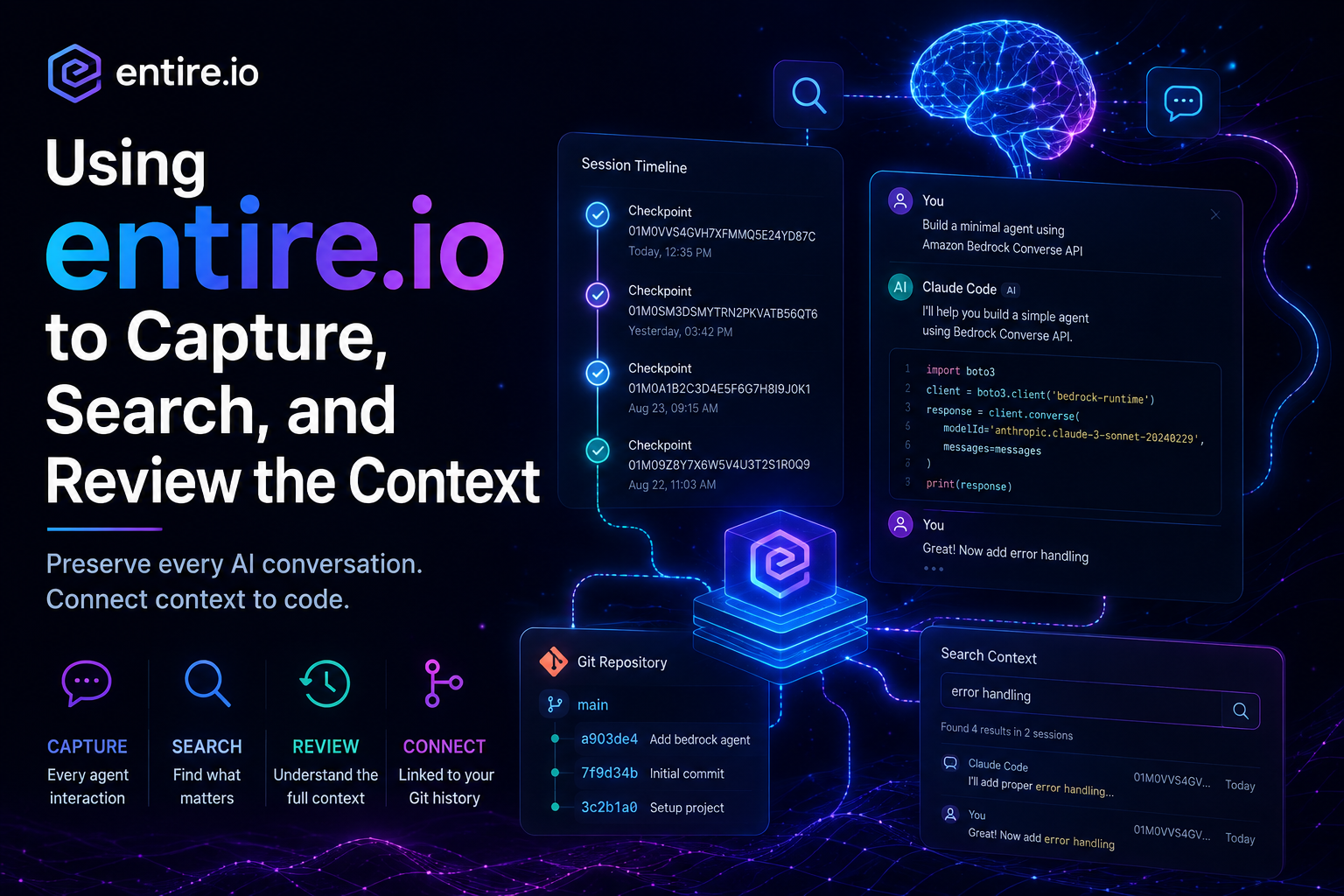
AI coding agents are becoming increasingly capable, but one problem remains: how do you preserve and review the reasoning, decisions, and interactions that happened during an agent session?
Entire.io attempts to solve exactly that problem. After spending some time on the waitlist, I recently received access to Entire.io and decided to test it with a simple Claude Code project. In this article, I walk through my first hands-on experience and show how Entire.io captures and organizes agent sessions alongside your code repository.
To keep the experiment simple, I asked Claude Code to generate a minimal AI agent application using Amazon Bedrock Converse APIs. The goal wasn't to build a production system, but to generate enough agent activity that I could observe how Entire.io captures and stores session history.
Traditionally, Git records the final state of code changes, but it does not preserve the conversation that led to those changes. With AI-assisted development, the prompts, decisions, iterations, and reasoning often become just as important as the final code. Entire.io aims to bridge that gap by associating agent sessions with repository history.
Once I created the repo on Github for this purpose, I launched https://entire.io/repositories and clicked on the 'Add Repository'. As this is a test, instead providing access to all repositories to entire.io, I gave access to only specific folder.
Follow the above link for the Installation and Quickstart of entire.io
Once I successfully, included the repo on the entire.io dashboard, I switched to terminal, cloned my repo locally, switched to repo folder and 'enabled' entire.io. As soon as, I enabled entire.io on the directory, entire.io created '.entire' folder and 'settings.json' inside the folder
{
  "enabled": true,
  "telemetry": false,
  "checkpoints": {
    "primary": {
      "type": "git-refs"
    }
  }
}I initiated a Claude Code session inside the directory and wrote the below prompt.
❯ As part of my learning Agent AI system, I want to build a small app for my understanding.
  1. We can define 2 to 3 tools to be executed by Agentic flow
  2. This will be built on AWS Bedrock
  3. The usecase will be holiday packages to destinations combined with air travel for the holiday
  4. we need a data.py which will hold destinations wide holiday package info, flight info,destination type info etc.
  5. The tools.py would server destinations by type, date, flights available for the date etc
  6. Harness would take a request from user like "Give me destinations and related flights available for holiday starting 10th September"
  7. Keep it simple, bare minimum as the objective is understand Agentic AI
  8. Create project files based on separation of concern
  9. Let the LLM interaction happen through AWS bedrock, use local AWS config and available models for the purpose.
Once Claude Code completed writing the code, I tested the code with couple of queries. Once I was satisfied with code, I was ready test how entire.io worked.
First, I executed below git command for stage all files.
git add .Commited the code using the belo command
git commit -m "first commit" When I attempted to commit my changes, Entire.io intercepted the workflow and prompted me to associate the commit with the current agent session. This was the moment I understood the core value proposition of Entire.io: connecting source control history with AI interaction history.
Entire: Active Claude Code session detected
  Last prompt:

Link this commit to session context?
  [Y]es / [n]o / [a]lways (remember my choice):
Once you say 'Y' on the commit to session context, it shows a confirmation message on the changes and insertions.
Now, to review the entire.io session, first enter the below CLI command to see the status.
entire statusyou will see a message like below
● Enabled · branch master
  Agents · Claude Code
  Checkpoints sync to: origin
  2 checkpoints not yet on origin — they sync with your next 'git push origin'

── Active Sessions ─────────────────────────────────────────────────────────────

Claude Code (claude-sonnet-5) · 2542a1ea-c301-4e04-940f-fd6f8506fb2a
> "xxxxxxxxxx"
started 8m ago · tokens 3029.4k

────────────────────────────────────────────────────────────────────────────────
1 session

Agents: run `entire agent-help` for machine-readable usage.
Execute the below CLI command to see the checkpoint list.
entire checkpoint listYou will see something like this
  branch       master
  checkpoints  2

● 01M0VVS4GVH7XFMMQ5E24YD87C  "I want to write an article around using entire.io for Cod..."
  08-25 12:35 (a903de4) Included Claude file

● 01M0SM3DSMYTRN2PKVATB56QT6  "As part of my learning Agent AI system, I want to build a..."
  08-24 15:42 (7f9d34b) Add first Entire demo file
Now, execute the below CLI command to see the changes made through the specific checkpoint.
entire checkpoint explain 01M0VVS4GVH7XFMMQ5E24YD87CYou will now see complete log of the User, Agent interaction.
The checkpoint concept was particularly interesting. Instead of searching through terminal logs or exported conversations, Entire.io creates identifiable checkpoints that can later be reviewed, inspected, and shared.
This was intentionally a simple "hello world" experiment, but it was enough to demonstrate the core idea behind Entire.io. Git has always been excellent at tracking code evolution; Entire.io extends that concept to AI-assisted development by tracking how the code came to exist. As coding agents become a larger part of software development workflows, preserving agent context and decision history may become just as important as preserving the source code itself.